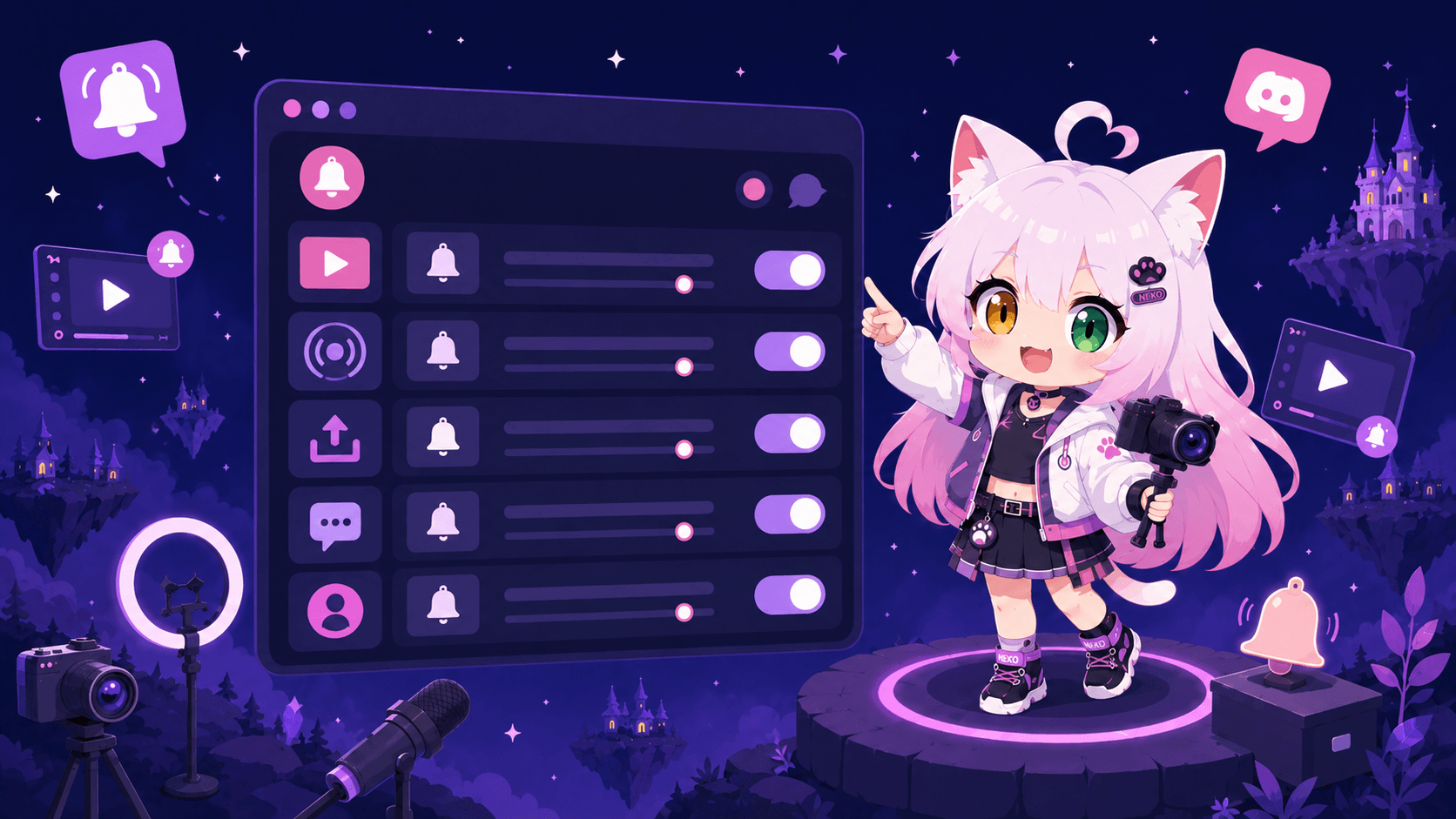
Set up YouTube alerts with Nekotina
Published on May 24th, 20261 min read
Notify Discord when a YouTube channel uploads a new video.
Ads
YouTube alerts post a Discord message whenever a YouTube channel uploads a new video. Ideal for communities following content creators.
Learn more on the Social alerts module page.
Prerequisites
- Access to the dashboard.
- Discord channel for alerts (
#youtube,#videos, etc.). - Nekotina needs Manage Webhooks in that channel.
Step 1 — Create the alert
- Go to Social Alerts → YouTube.
- Click Add new alert.
- Search for the YouTube channel.
- Select the destination Discord channel.
- Write the message with
{{channel}}:
📺 New video from {{channel}}! Don't miss it.
- Customize notification name and avatar if desired.
- Save changes.
Preview
NekotinaAPP
📺 New video from KweeTV! Don't miss it.
Step 2 — Manage alerts
Edit or remove alerts from the list. You can follow multiple YouTube channels (within your plan limit).
Limits
| Free | Premium | |
|---|---|---|
| Alerts per server | 5 | 100 |
Tips
- Separate YouTube and Twitch alerts into different channels or use message prefixes.
- See Twitch alerts for live stream notifications.
Common issues
Summary
1. Social Alerts → YouTube → Add alert
2. YouTube + Discord channel + message with {{channel}}
3. Save